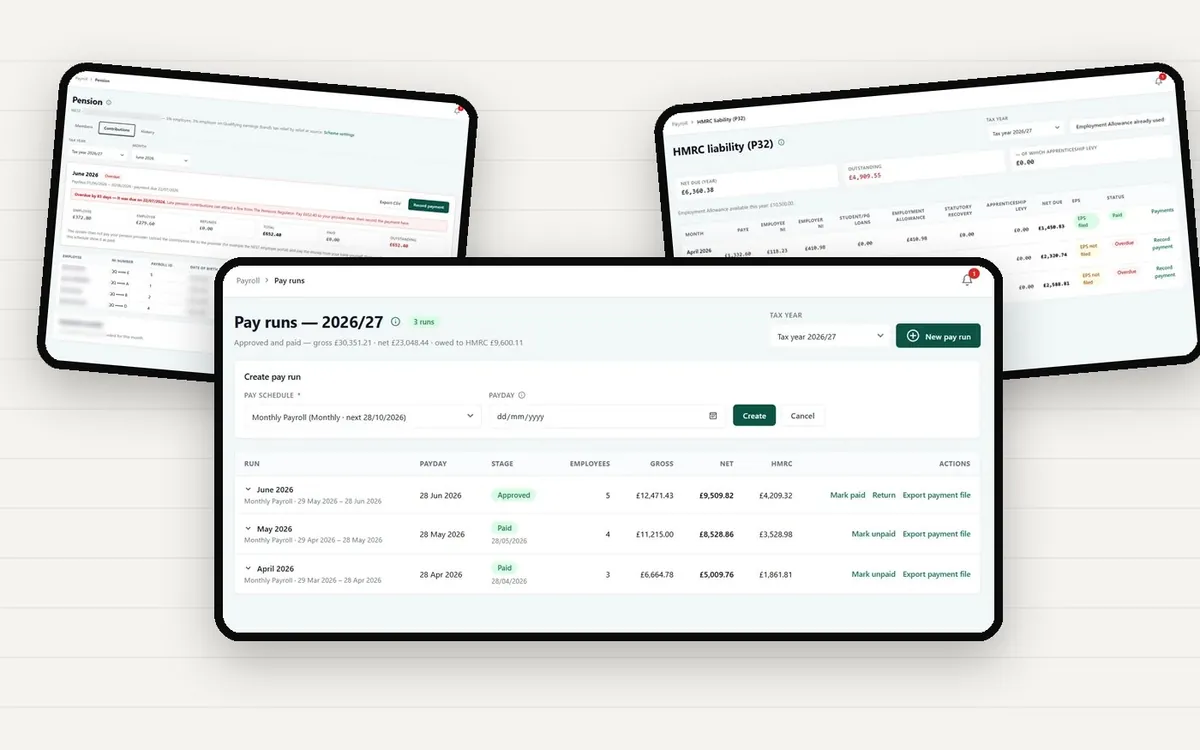
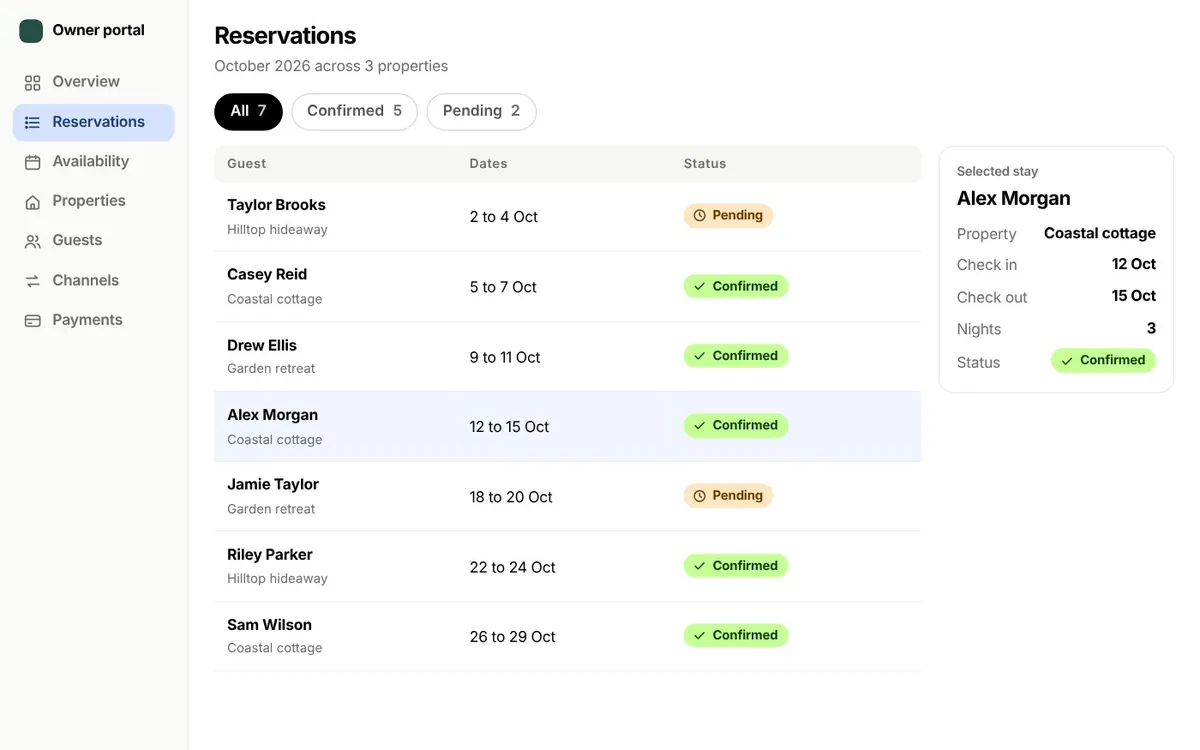
Two learners. One instructor.
Both tap Book on the same slot in the same moment. Without a firm rule the diary ends up with two lessons in one hour, and someone has to make a difficult call.
See how it is handled
A booking platform for driving schools. Learners find a lesson and follow it from request to approval. Instructors run their day from their phone. Owners see the whole school in one place.
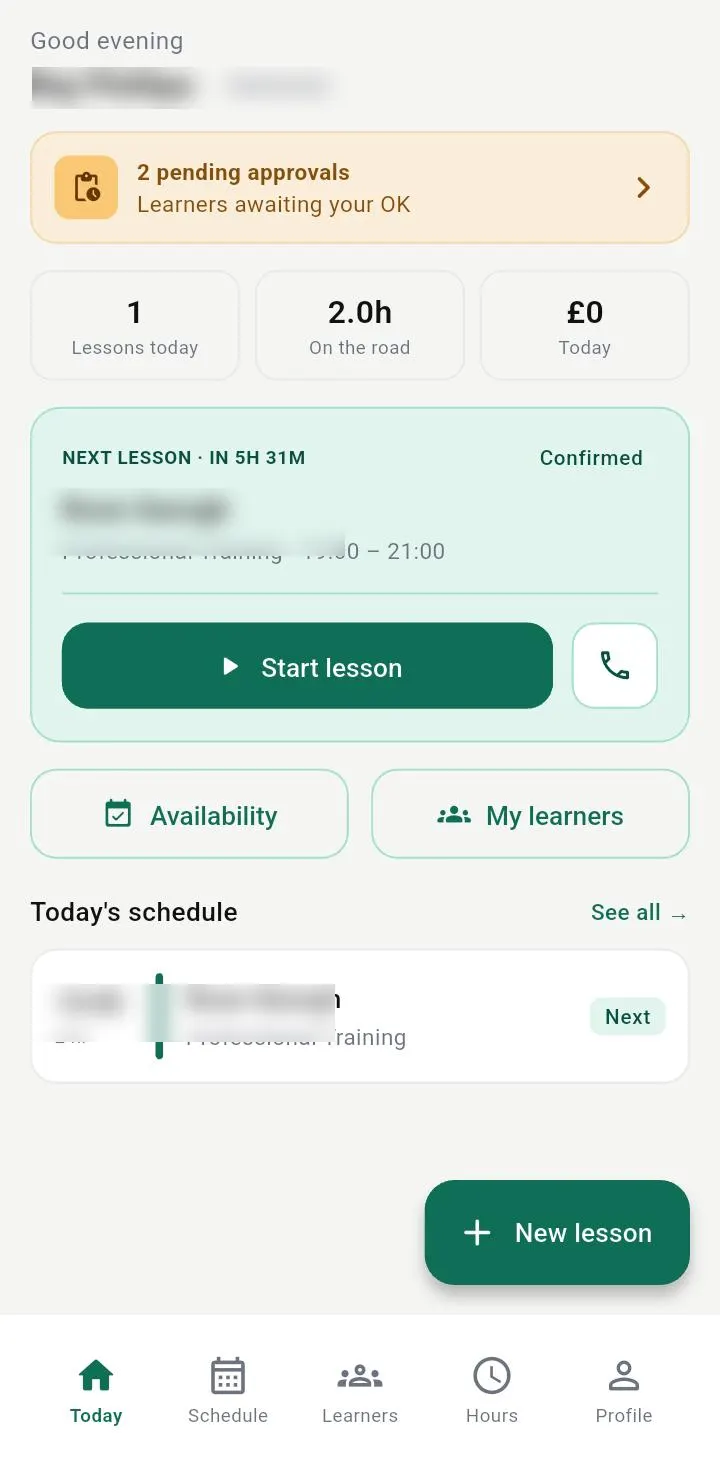
A lesson needs a learner, an instructor and a free hour. It also needs a fee that makes sense, a record of what happened and a payment that actually arrives. When those live in different places, the office spends its day holding them together.
Both tap Book on the same slot in the same moment. Without a firm rule the diary ends up with two lessons in one hour, and someone has to make a difficult call.
See how it is handledA learner wants a weekly slot for two months. Typing the same details in for every lesson wastes staff time.
See how it is handledLearners phone to change plans. The office coordinates approval and explains the fee, and the terms are not always applied the same way.
See how it is handledNotes, progress and payments drift away from the teaching, and revenue slips between the calendar and the accounts.
See how it is handledWe designed the platform against those four moments. Here is what it does about each one.
A system that only lists appointments is a diary with a login. This one handles the awkward parts: clashing requests, repeat taps, cancellations and money that still needs collecting.
The repeat is recognised as the same request, so there is still one booking.
01Prevent conflicts
When two learners try to reserve the same instructor at once, the server protects that slot and stops overlapping bookings. It also handles repeat taps and connection retries safely, so a shaky signal never turns into a double booking.
Click a screen to enlargeTap a screen to enlarge
02Plan ahead
Instructors can create weekly repeating lessons: pick the weekdays, set a lesson count or an end date, and review every occurrence before confirming. Dates that cannot be booked are shown, so the series can be adjusted.
Click a screen to enlargeTap a screen to enlarge
03Apply fair rules
Before cancelling, learners see the policy, the charge and what comes back to them. Behind that, the backend keeps the original policy and supports cooling-off rules and credit-backs when a charged slot is filled again.
Click a screen to enlargeTap a screen to enlarge
04Close the gaps
Booking Ops lists unpaid booking invoices, completed lessons still waiting for an invoice, and cancellations that need accounting follow-up. Staff go straight from the problem to recording a payment.
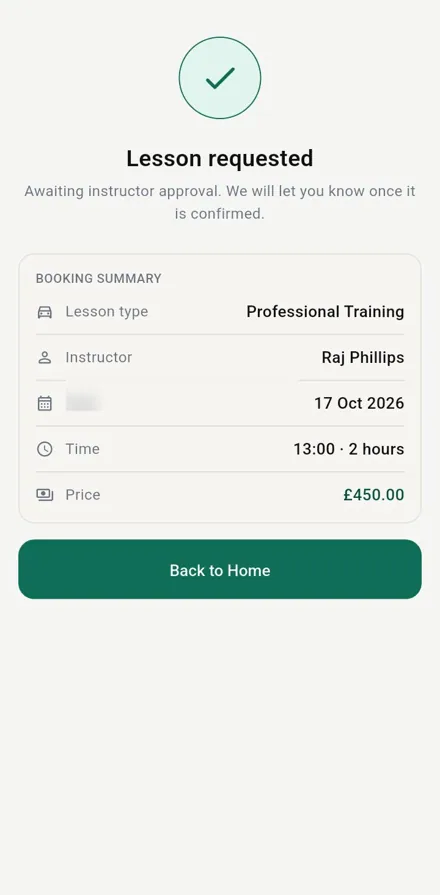
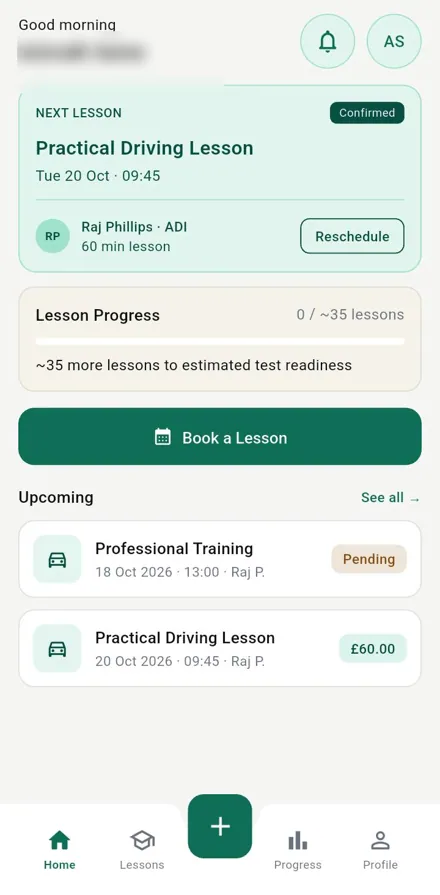
Six screens, one request. Each one has a job to do, and none of them needs a phone call to the office.
The learner starts with their next confirmed lesson, upcoming requests and a direct way to book another session.
Less searching, clearer next actions.
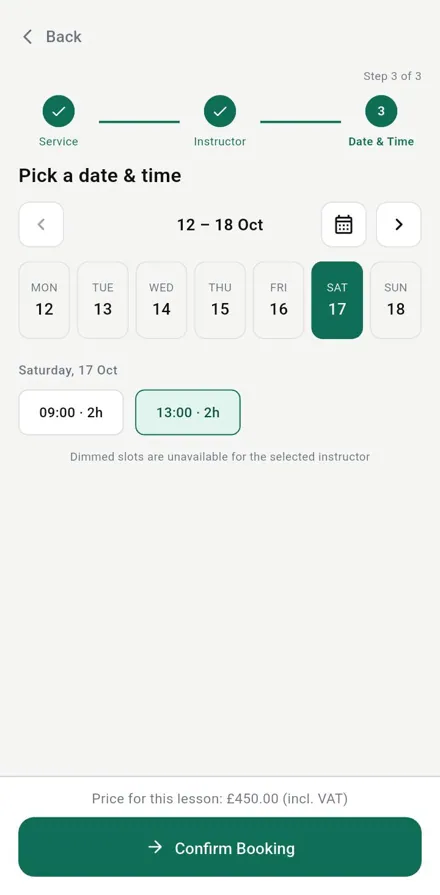
The app offers available times for the chosen instructor and shows the lesson price before the request is sent.
Fewer clashes and fewer surprises.
After submitting, the screen says plainly that the lesson is requested and awaiting instructor approval.
Clear feedback and honest expectations.
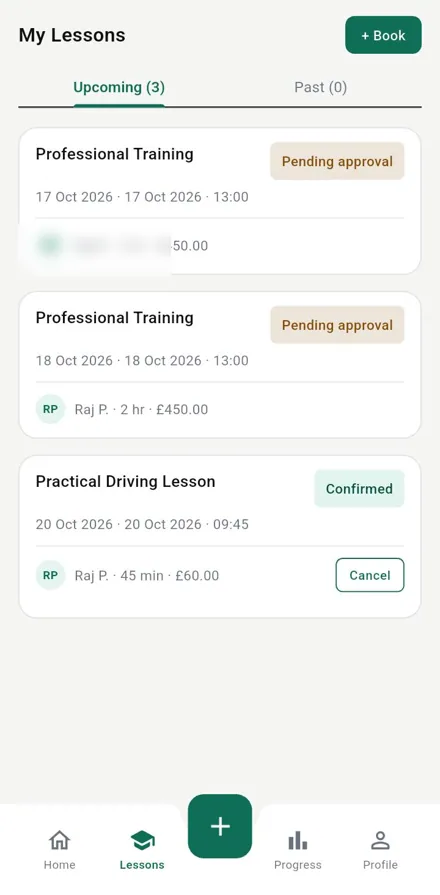
Upcoming lessons show their status, such as pending approval or confirmed, next to the essential details.
Less back and forth with the office.
Start time, duration, instructor and the actions that are still open, including rescheduling and cancelling.
Nothing to remember, nothing to hunt for.
Profile tools are grouped into sections that make sense, for editing details and managing the account.
Simple self-service.
Click a screen to enlargeTap a screen to enlargeShown with demo data.
The learner app is half of the story. Instructors carry their day in a pocket, and the school runs lessons, calendars and access from a connected web workspace.
Review approval requests, see today’s lessons, create repeating sessions, record lesson outcomes and collect payments from the instructor app.
Click a screen to enlargeTap a screen to enlarge
Click a screen to enlargeTap a screen to enlarge
What the design and the workflows give a school, in plain terms.
Availability and conflict checks happen on the server, and repeated mobile requests have safeguards against duplicate bookings.
Booking and cancellation flows show the status, the available times and the fees that apply, so learners know their next step.
Instructor workflows connect lesson completion, notes, assessments and payments to the wider school system.
To add: verified numbers, such as lessons booked or admin hours saved, once a school shares figures we can quote.
Other projects close to Driving school booking platform in industry or in kind.
Tell us what you want to build and who it is for. We reply within 1 to 2 business days.

Real Challenges. Better Solutions.
© 2026 Authguard Technology Private Limited. Case study draft for review.